Features
Send, receive and work on your own domain
Routing and failover across your providers, campaigns and developer tools. A team inbox with a spam filter, calendars, booking pages and Drive in the self-hosted edition. A private inbox for your existing accounts in the Mac app.
One API over every provider account you connect, with routing rules and failover.
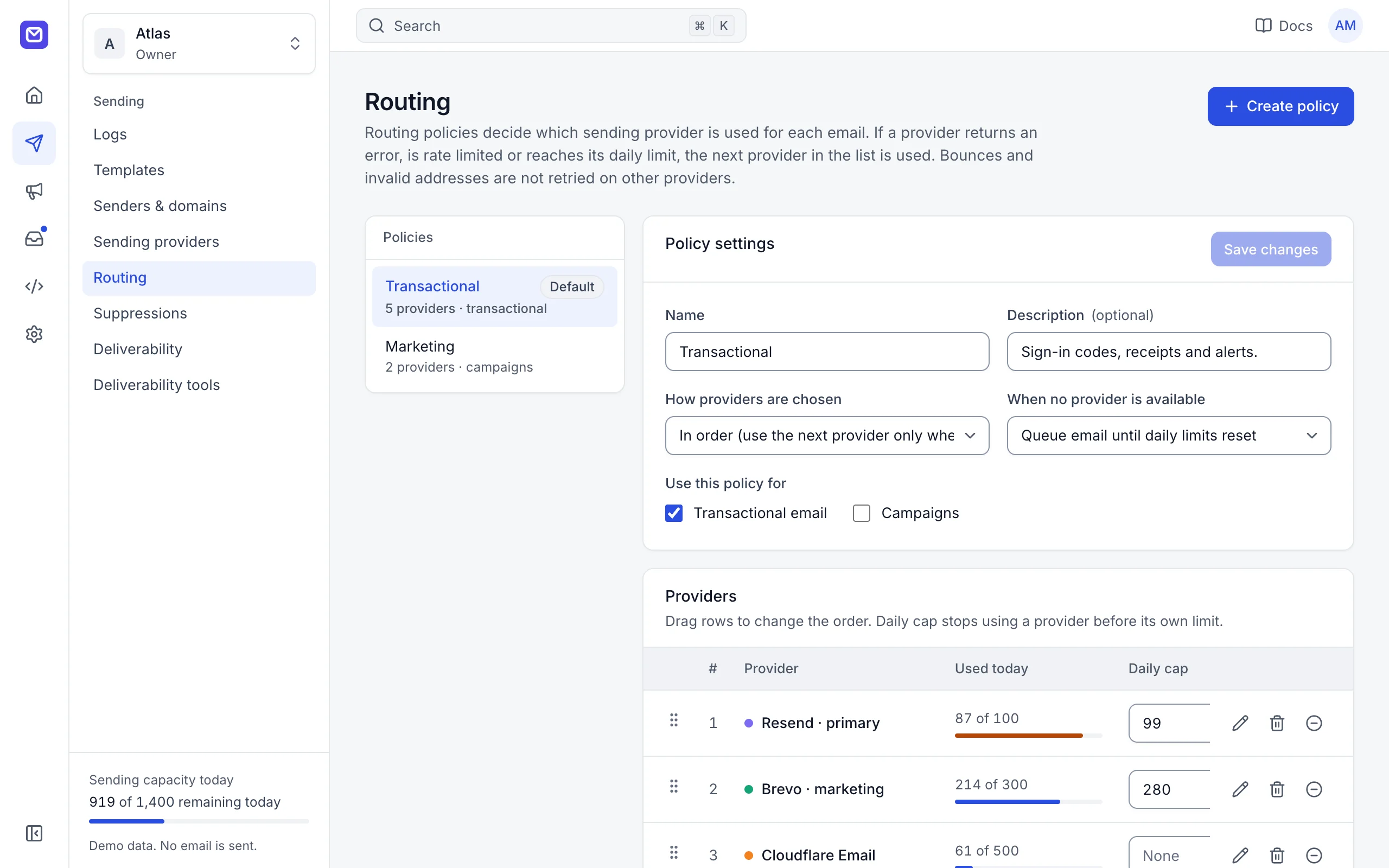
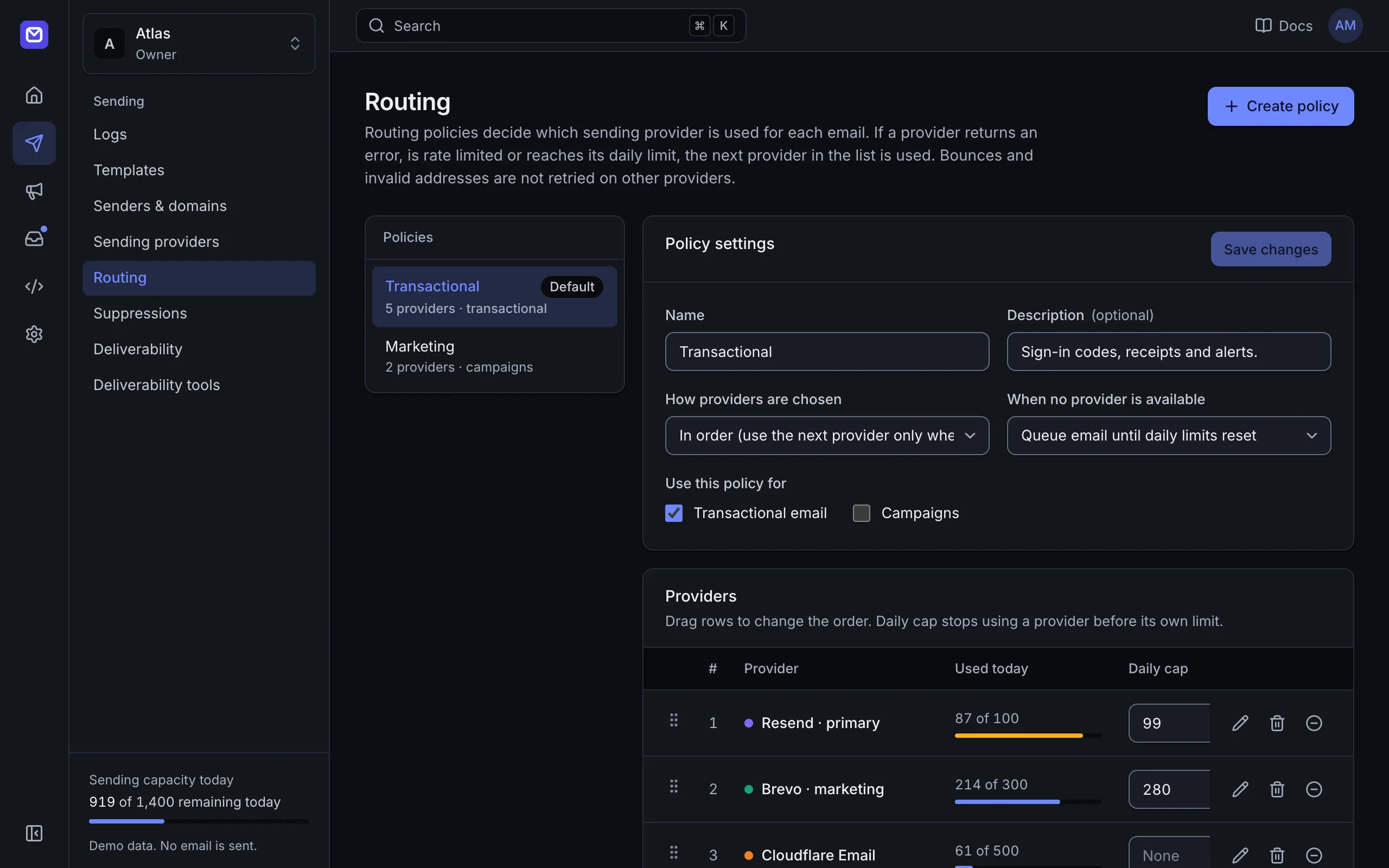
Connect the sending services you already use and give your app one API key. The router picks a provider for each message, tracks quotas, and moves to the next provider when one fails.
25 providers
Resend, Amazon SES, Brevo, Mailgun, Postmark, SendGrid and 19 more, including any SMTP server. Each adapter knows which errors to retry elsewhere.
One API key for every provider
Send through REST, SMTP, the SDKs, the CLI or the MCP server. Adding, removing or reordering providers needs no code changes.
Routing policies
Route by priority, weight or round robin. Set daily caps per provider, and rules by recipient domain, tag or message type.
Failover
Outages, timeouts, rate limits and exhausted quotas move the message to the next provider. Recipient errors such as hard bounces are not retried elsewhere.
Quota tracking
Daily and monthly usage per provider, read from the provider API where it offers one, and counted locally where it does not.
Templates rendered once
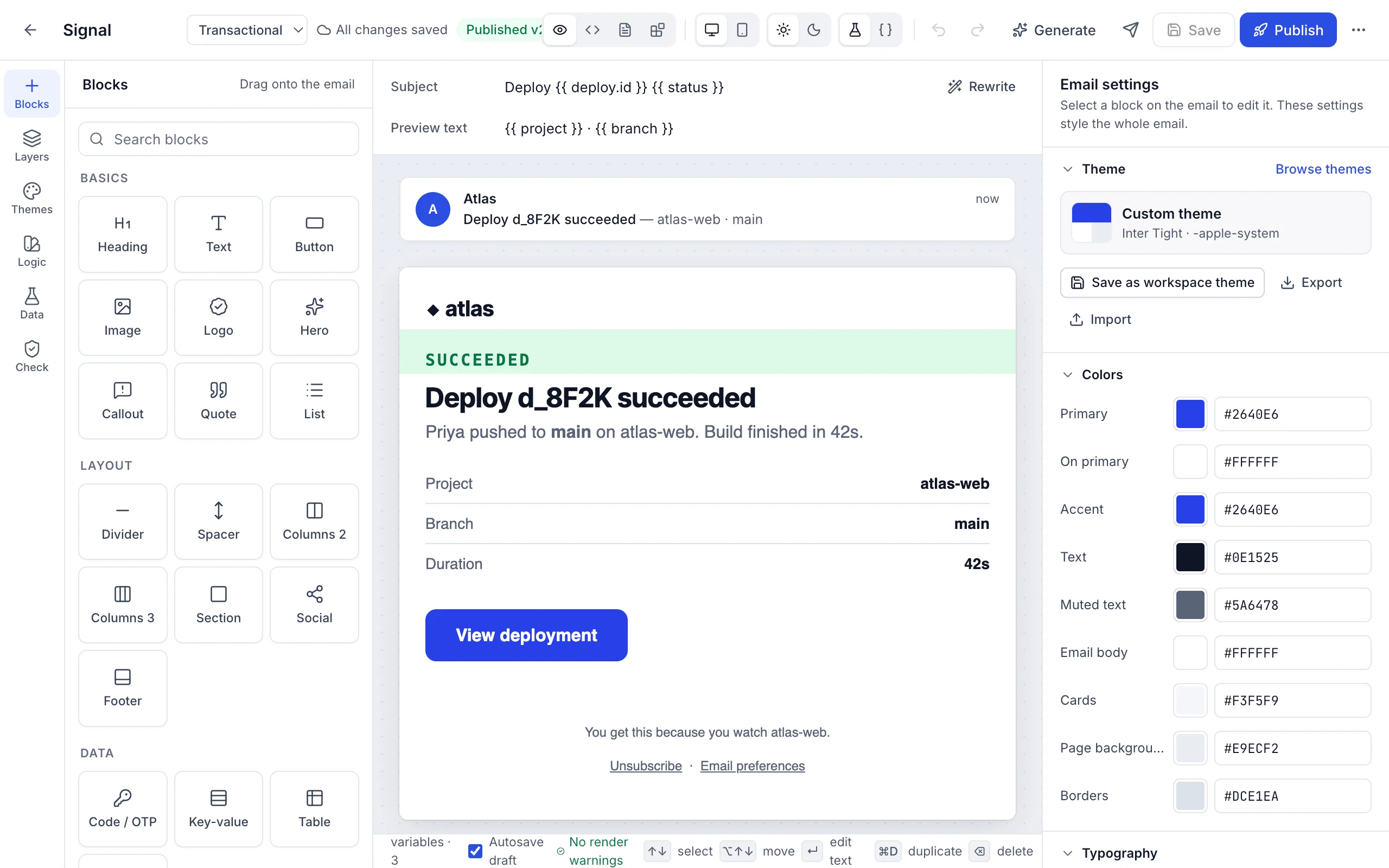
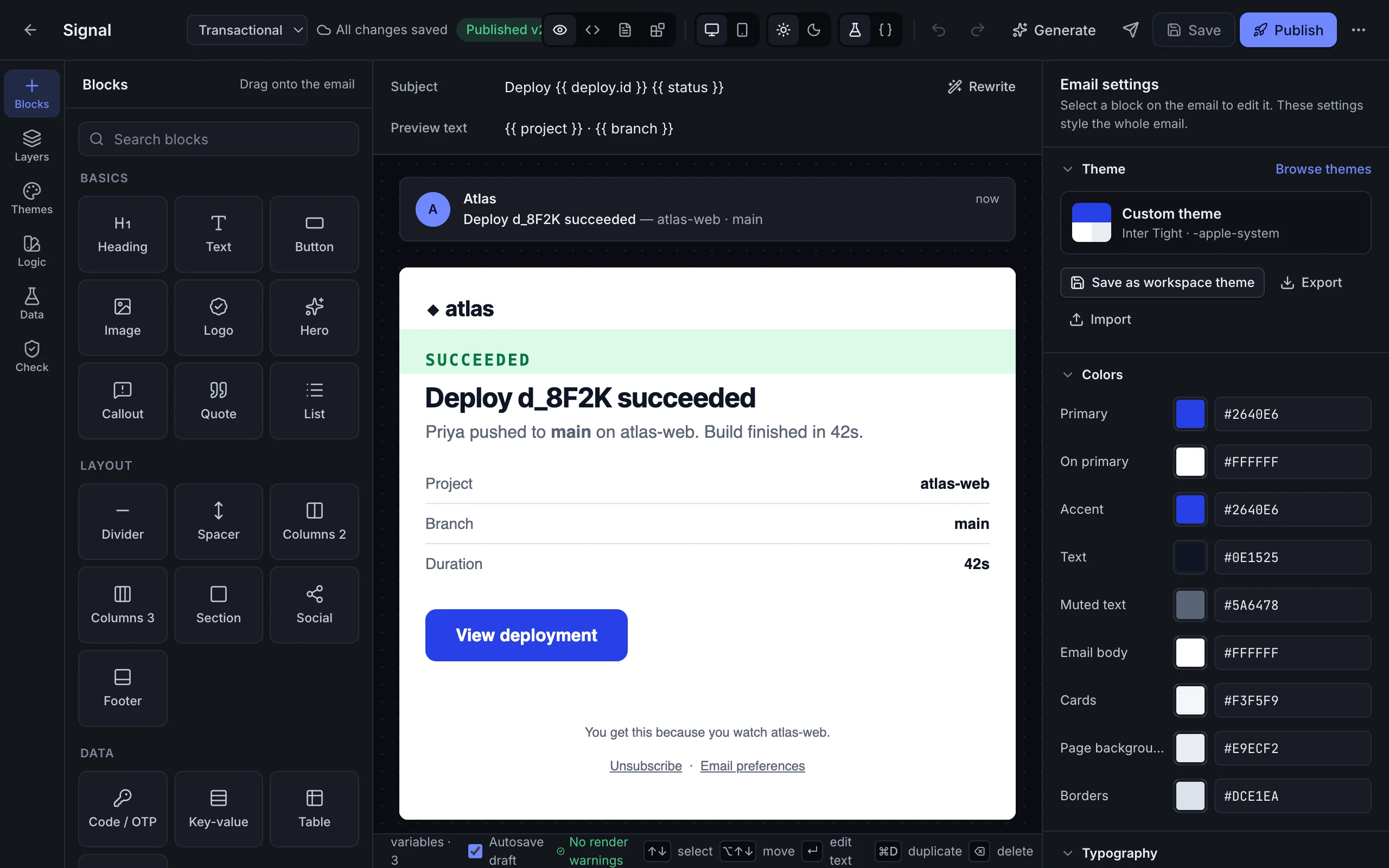
A block editor with variables, conditional blocks and conditional styles. The provider receives finished HTML, so failover never changes how a message looks.
The 25 providers
- Resend
- Amazon SES
- Brevo
- Mailgun
- Postmark
- SendGrid
- Cloudflare Email
- SMTP2GO
- MailerSend
- Mailjet
- SparkPost
- ZeptoMail
- Elastic Email
- Plunk
- Mailtrap
- MailChannels
- AhaSend
- Lettermint
- Postal
- Mandrill
- SocketLabs
- Infobip
- Scaleway
- Azure Communication Services
- Any SMTP server
Logos are trademarks of their owners. OneSend is not affiliated with or endorsed by them.
Contacts, segments, campaigns, signup forms and reports, sent through the same router.
Campaigns use the same routing policy, quotas and failover as transactional email, and go only through the provider connections you allow for marketing.
Contacts, lists and segments
Custom attributes, fixed lists, and segments: saved conditions that update as contacts change.
CSV import
Column mapping, list assignment, error reports and a required consent confirmation.
Campaigns
Scheduling, test sends, UTM parameters and one-click unsubscribe headers.
Signup forms
Hosted and embedded forms with double opt-in, stored consent proof and abuse protection.
Reports
Delivery, open, click, bounce, unsubscribe, complaint and conversion rates, revenue, and results by provider and recipient domain.
Public archive
An optional web archive of past campaigns with RSS, Markdown copies and a sitemap.
Mailboxes on your own domains, shared by the team or kept personal, in the self-hosted edition.
Point a domain at your server and its mail arrives in the same workspace that sends it. Shared mailboxes, assignment and notes keep a team on one thread; personal mailboxes stay personal.
- Lena FischerInvoice for October Could you resend it with our VAT number?
- Sam OrtizCannot sign in after the reset The link says it has expired.
- Priya RamanQuestion about the API Is there a limit on batch sends?
- Jonas WeberRe: Refund for order 1042 Thanks, that worked.
Mailboxes on your domains
Create addresses on any domain you add, with a catch-all for everything else. One mailbox can answer on several domains, such as support@ on your .com and .io.
Shared, members-only or personal
Share a mailbox with the whole workspace, with chosen members, or keep it personal. Admins cannot read personal mailboxes.
Rules, labels and assignment
Routing rules sort mail as it arrives. Label threads, assign them to a member, and leave internal notes the sender never sees.
Snooze, search and undo send
Snooze a thread until a date, search every mailbox you can open, send later, and undo a send for a few seconds after you press it.
Import your old mail
.eml and .mbox files, including Gmail Takeout and other mail app exports, into any mailbox folder. Large uploads resume, and messages already there are skipped.
Mail apps over IMAP and SMTP
Read and send from any mail app with a per-device app password. Docker and Node.js installations only: Cloudflare Workers cannot accept those connections.
Every incoming message is scored on your own server, and the filter learns from each mailbox.
The filter runs inside your installation. It reads the message, checks the sender and decides between the inbox and Spam, without sending mail or addresses to an outside service.
- DMARCFailed for paypa1-billing.com
- Attachmentinvoice.pdf.exe: a program
- LinksText shows one domain, link goes to another
Sender authentication
SPF, DKIM and DMARC results count toward the score, so mail that fails its own domain’s policy is held back.
Who you know
Replies in your conversations, addresses you have written to and your own domains lower the score, but only when the sender’s domain authenticates, so forged mail gets no credit.
Links and attachments
Links whose text shows another domain, bare IP addresses and shorteners, programs, double extensions and Office macros raise the score. Mail in the middle stays in place, marked suspicious.
Learns per mailbox
Report spam and Not spam train the filter for that mailbox, so one team’s newsletters are not another team’s spam. It keeps keyed hashes of words, never the words.
Shows its reasons
Each message keeps the three signals that counted most, so a wrong call is easy to see and correct.
Stays on your server
No message, address or score is sent to an outside service for checking.
Personal and shared calendars, with invitations that work with the calendars other people use.
Calendars live next to the inbox. Invitations go out and come back as standard calendar email, so guests on Google, Outlook and Apple calendars can answer from their own app.
Mon 17
Tue 18
Wed 19
Personal and shared calendars
A calendar for each member and shared calendars for a team, a room or a rota.
Repeating events
Events that repeat on a rule, with single dates skipped or changed.
Invitations and RSVP
Invite anyone by email; their answer updates the event. Invitations you receive can be answered from the message.
Reminders
Reminders before an event, by notification or email.
Import, export and subscribe
.ics files in and out, and a private, read-only subscription link for other calendar apps. It stops working when its member leaves.
A public page for each person where others pick a time, checked against their calendars.
Each member can publish a booking page with the meetings they offer. Visitors see open times in their own time zone, and the booking lands in the member’s calendar with an invitation for both sides.
Meeting types
Durations, a location or video link, questions for the visitor, and the hours each meeting can be booked.
Open times only
Times already taken in the calendars you choose are not offered, and two visitors cannot book the same time.
The visitor’s time zone
Open times are shown in the visitor’s time zone, and the invitation reaches both calendars.
Buffers and notice
Time before and after each meeting, a minimum notice, how far ahead people can book, and a daily limit.
Personal and shared drives for the team’s files, connected to the inbox.
Files sit in the same workspace as mail and calendars. Attach a file from Drive when you write, or save an attachment to Drive when you read.
- Brand assets14 items
- Contract 2027.pdfVersion 3 · 412 KB
- Invoice-1042.pdfSaved from mail · 88 KB
- Onboarding.mov1.2 GB
Public link for Contract 2027.pdf
- Access
- View only
- Password
- On
- Expires
- 30 Nov 2026
Personal and shared drives
A drive for each member and shared drives for teams, with folders and Trash.
Large files, resumable uploads
Uploads go in parts and continue after a dropped connection, up to 5 GB a file by default.
Versions and previews
Uploading a file again keeps the earlier versions, 10 by default. Images, PDFs, audio, video and text preview in the browser.
Sharing and public links
Share with members as viewer or editor, or make a public link with an optional password and expiry date.
Mail and Drive together
Attach from Drive in a reply, and save any attachment to Drive in one step.
Gmail, Outlook, Yahoo, iCloud, Zoho, Proton and any IMAP mailbox in one private inbox on your Mac.
For the accounts you already have. Mail syncs directly between each mail provider and your Mac.
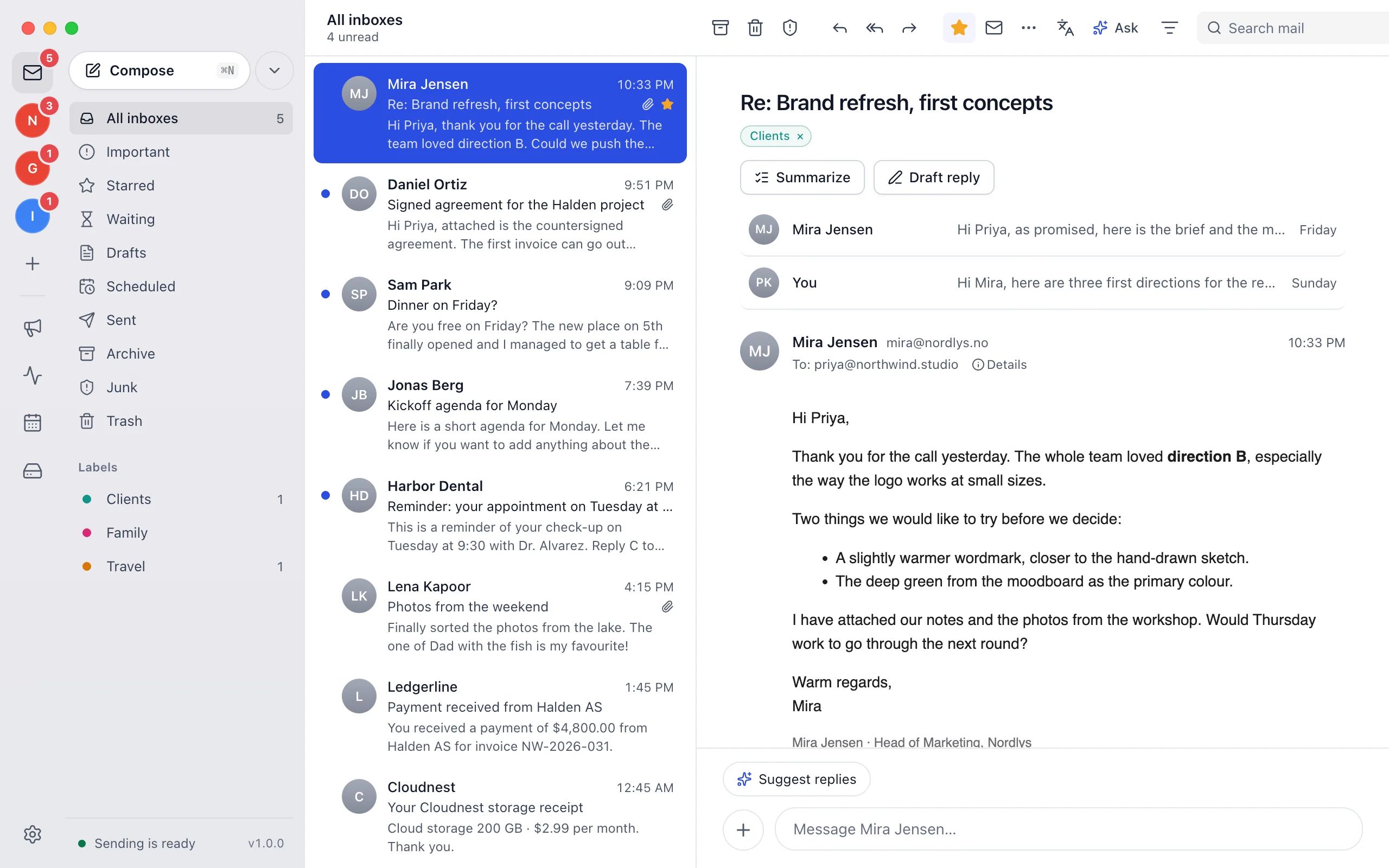
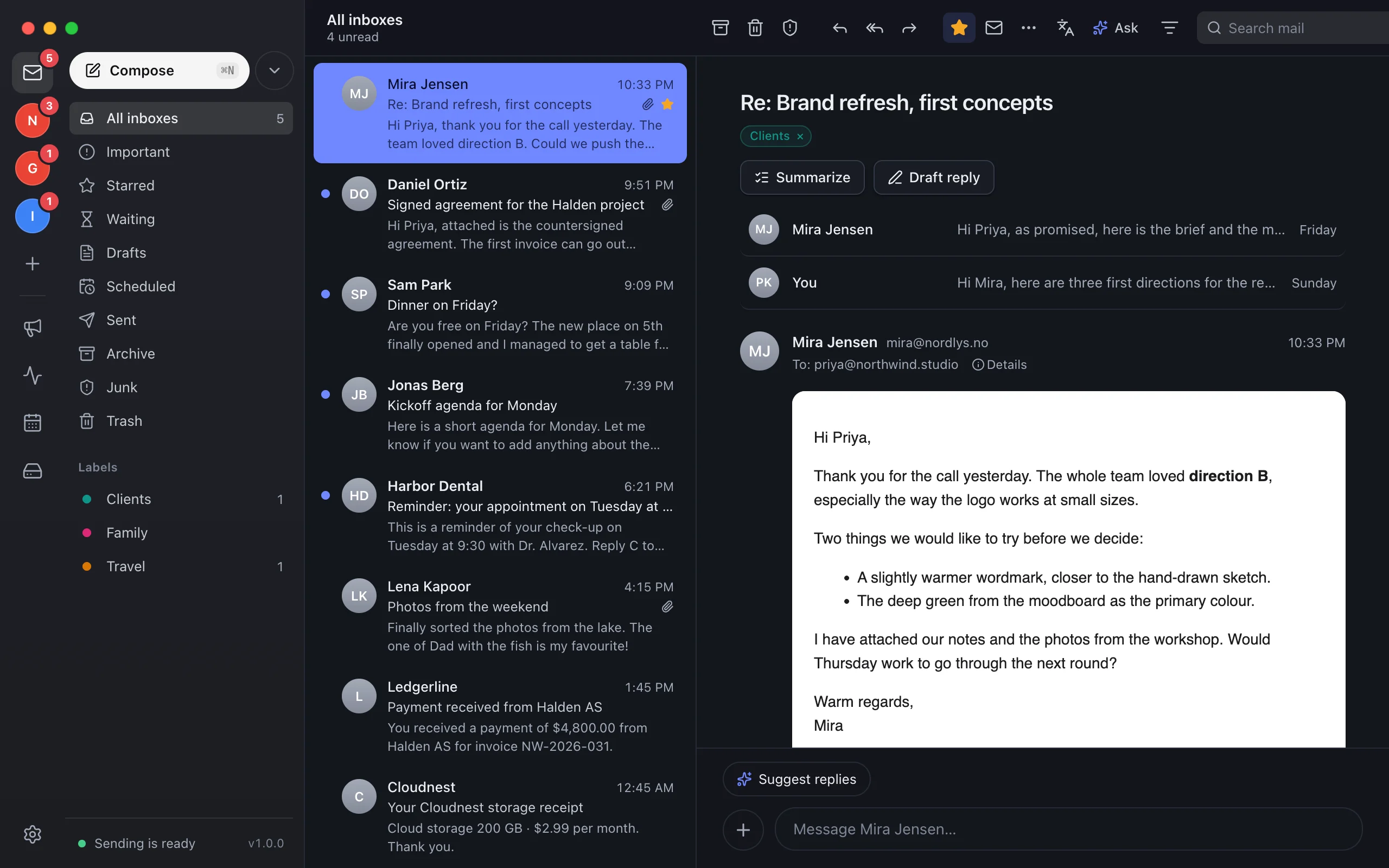
One inbox for every mailbox
Gmail, Outlook and Microsoft 365, Yahoo, iCloud, Zoho Mail, Proton Mail, Fastmail, AOL, GMX and any IMAP account, synced both ways.
New mail in the notch
New messages slide out of the notch with Reply, Archive and Mark as read.
Chat view, replies and translation
Read a conversation as chat, pick a suggested reply, or translate a message in one click.
Apple Intelligence
Summaries, reply drafts and translation on your Mac with Apple Intelligence, or with your own AI provider.
Campaigns and list checks
Templates, contacts, campaigns and Verify a list, in the same app as your inbox.
Stored on your Mac, encrypted
Mail is kept on the Mac and encrypted at rest. Backups are protected with a password.
Add a domain once, publish one merged DNS plan, and keep campaigns within provider limits.
Providers suspend accounts with high bounce or complaint rates. The safeguards keep campaigns inside those limits, and the DNS tools keep authentication correct across every provider.
Domains and DNS Deliverability safeguards Deliverability tools
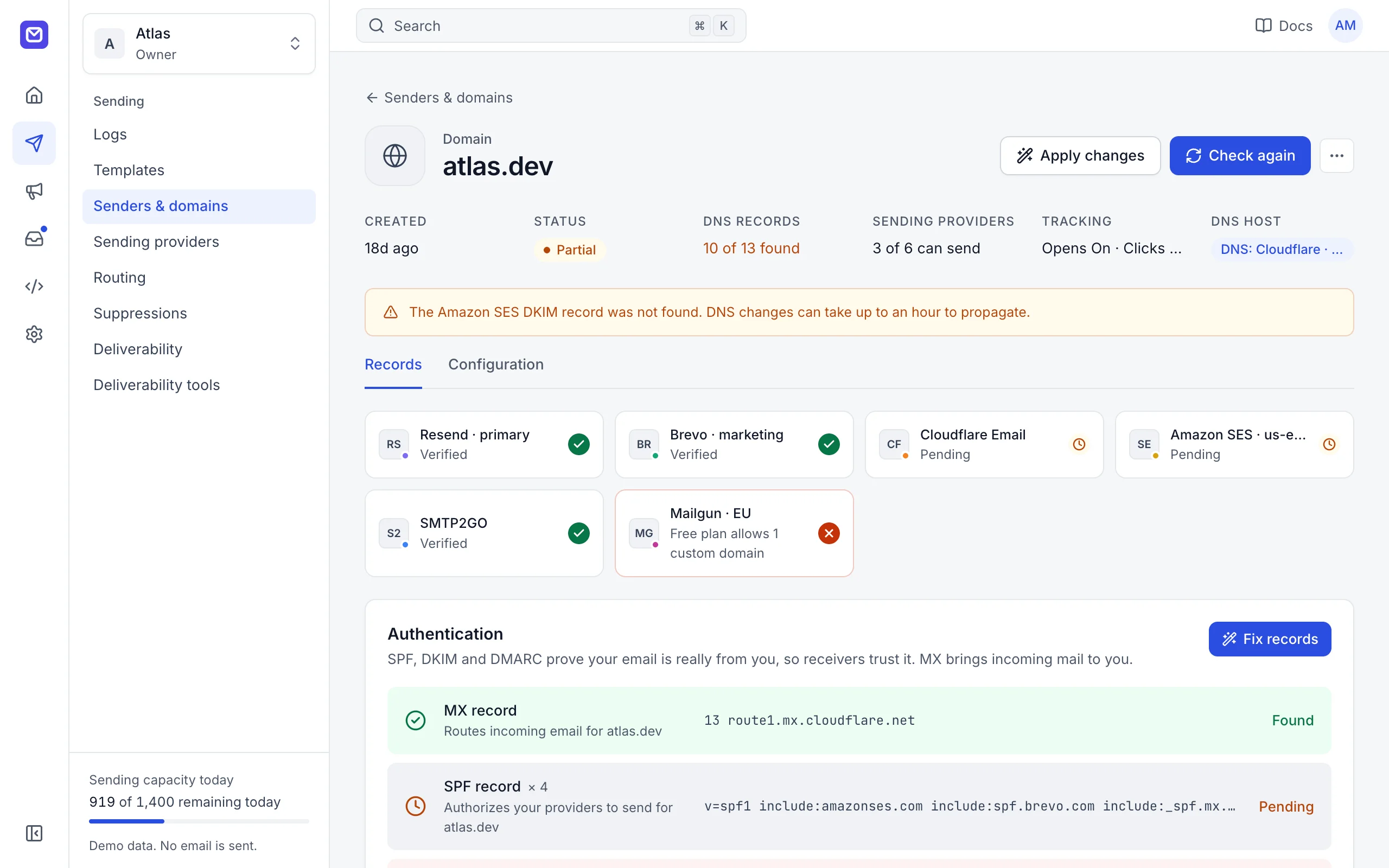
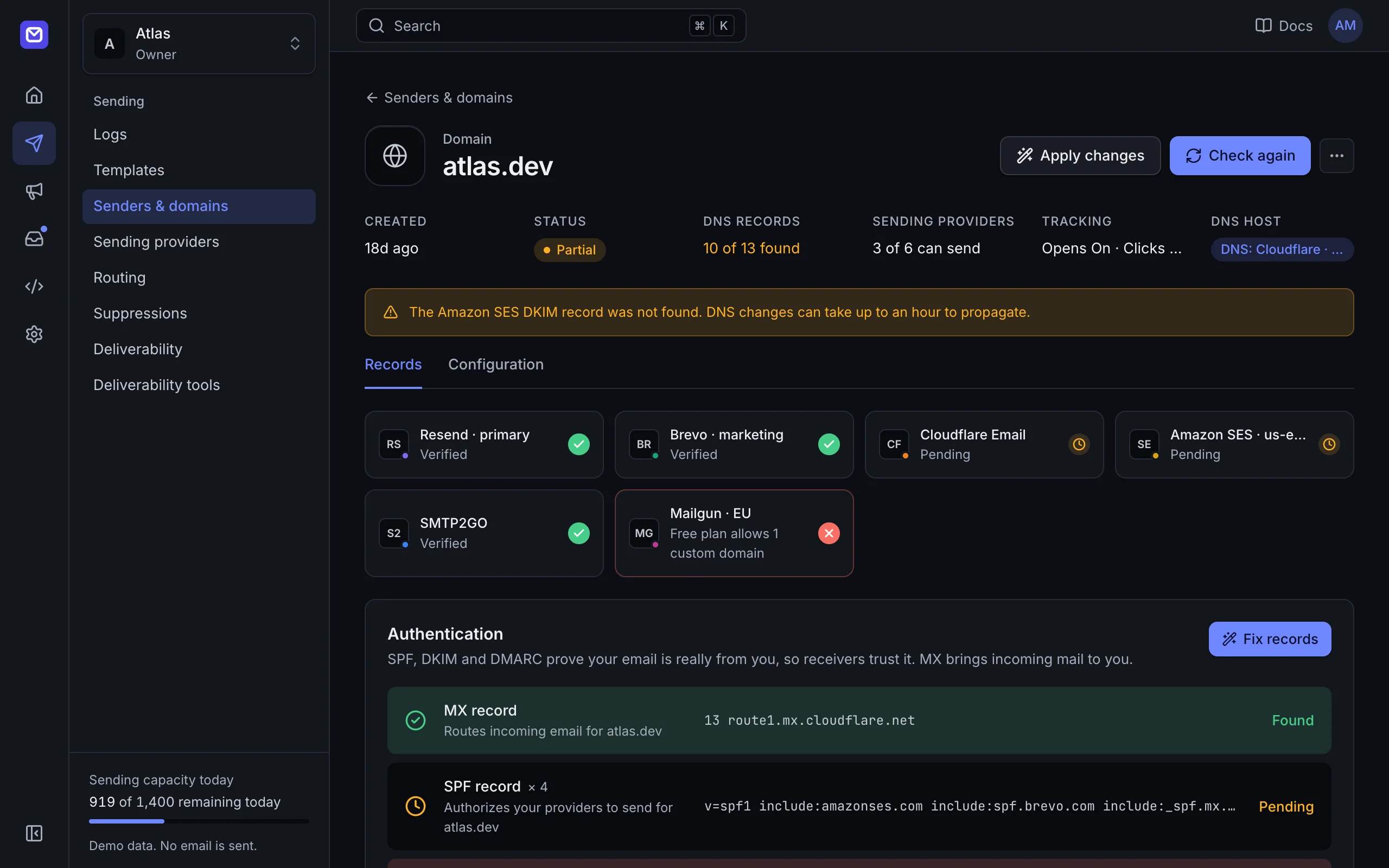
One domain, every provider
The domain is registered with each connected provider that has a domain API, and their records are merged into one DNS plan.
Correct authentication
DKIM per provider, one SPF record kept within the 10-lookup limit, and a DMARC record that starts at monitoring.
Any DNS host
Automatic setup with an API token for Cloudflare, Amazon Route 53, DigitalOcean, DNSimple, GoDaddy, Hostinger, Namecheap, Netlify, Porkbun, Vercel. Step-by-step instructions for any other host.
Shared suppression list
Hard bounces, complaints and unsubscribes are suppressed across all providers.
Campaign safeguards
Automatic pause on high bounce or complaint rates, a workspace-wide guard, warm-up of new domains, pacing per mailbox provider and address quality checks.
Deliverability tools
DNS checker for any domain, DMARC and SPF builders, header analyzer, address checker and a pre-send content check.
REST, SMTP, SDKs, a CLI, signed webhooks and an MCP server, with mailboxes agents can use.
Every feature in the dashboard is also in the API. AI agents get the same tools through the MCP server, including mailboxes they can create, read and reply from.
{
  "mcpServers": {
    "onesend": {
      "command": "node",
      "args": ["/path/to/onesend/apps/mcp/bin/onesend-mcp.mjs"],
      "env": {
        "ONESEND_API_KEY": "os_test_...",
        "ONESEND_BASE_URL": "https://your-server.example"
      }
    }
  }
}
REST API
An OpenAPI description and an interactive reference served by your own server.
SDKs and CLI
A TypeScript SDK (MIT) with the
onesendcommand-line client, and a Python SDK with no dependencies.Go and PHP SDKs
Clients for Go and PHP.
SMTP ingress
Apps that can only send over SMTP use the same router: the password is an API key.
Webhooks
Normalized delivery, bounce, open, click and inbound events, signed with HMAC-SHA256 and retried.
MCP server
For AI clients over stdio or Streamable HTTP: send email, explain routing, read logs, and manage domains, templates, contacts and campaigns.
Your own Cloudflare account, or one Node.js process or Docker image on the database you choose.
One codebase runs on your Cloudflare account or your own server. Nothing requires Redis, and data moves between databases with one command.
One process
The API, worker, SMTP, tracking and dashboard run in one Node.js 22.13+ process, from source or in Docker.
No usage limits
The self-hosted edition is the full workspace: sending, team inbox, calendar, booking pages and Drive, with no limits on domains, mailboxes, connections, workspaces or sending.
Bring your own database
SQLite (default); PostgreSQL, including Neon, Supabase and Amazon RDS; Turso and libSQL; Cloudflare D1; PGlite.
Move data with db:copy
Copy every table between SQLite, PostgreSQL, PGlite and libSQL or Turso, with a dry run first.
Your Cloudflare account
The main way to self-host: one Worker with D1, Queues, R2 for files and Email Routing for receiving, deployed with npm run cf:deploy. Needs the Workers Paid plan.
Secrets stay out of files
Secrets come only from environment variables, secret files or a platform secret store. Provider keys are encrypted with AES-256-GCM.
Start with the providers you already have.
Self-hosted for $9.99 once, or the Mac app for $9.99 once.