MCP for AI agents
Let an agent send email, use templates and read the logs, with an API key whose scope and limits you set.
Developers
Send through Resend, Amazon SES, Brevo, Mailgun, Postmark, SendGrid, Cloudflare and any SMTP server with one endpoint and one SMTP host. Routing, quotas and failover happen in OneSend, on your own server, so your code stays the same when providers change.
Send
Send the template name and its variables. The template is rendered once, so every provider and every failover attempt sends the same finished HTML.
curl -X POST https://your-server.example/v1/emails \
  -H "Authorization: Bearer $ONESEND_API_KEY" \
  -H "Content-Type: application/json" \
  -d '{
    "from": "hello@acme.dev",
    "to": "ada@example.org",
    "template": "welcome-email",
    "variables": { "first_name": "Ada", "plan": "Pro" }
}'import { OneSend } from '@onesend/sdk';
const client = new OneSend({
apiKey: process.env.ONESEND_API_KEY,
baseUrl: 'https://your-server.example', // your server
});
// The template is rendered once, so every provider and every
// failover attempt sends the same finished HTML.
await client.emails.send(
{
from: 'hello@acme.dev',
to: 'ada@example.org',
template: 'welcome-email',
variables: { first_name: 'Ada', plan: 'Pro' },
},
{ idempotencyKey: 'signup-4821' },
);Observe
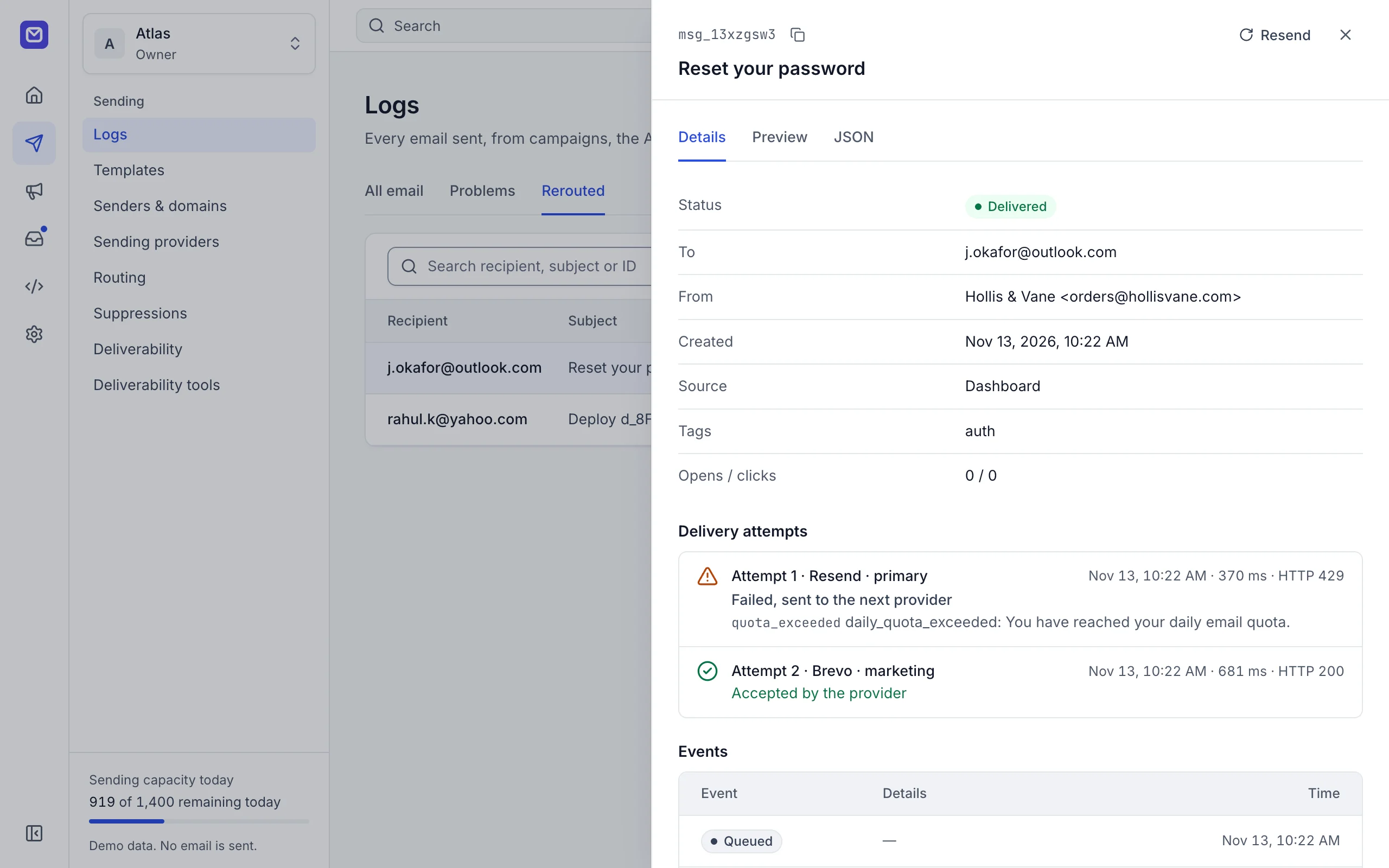
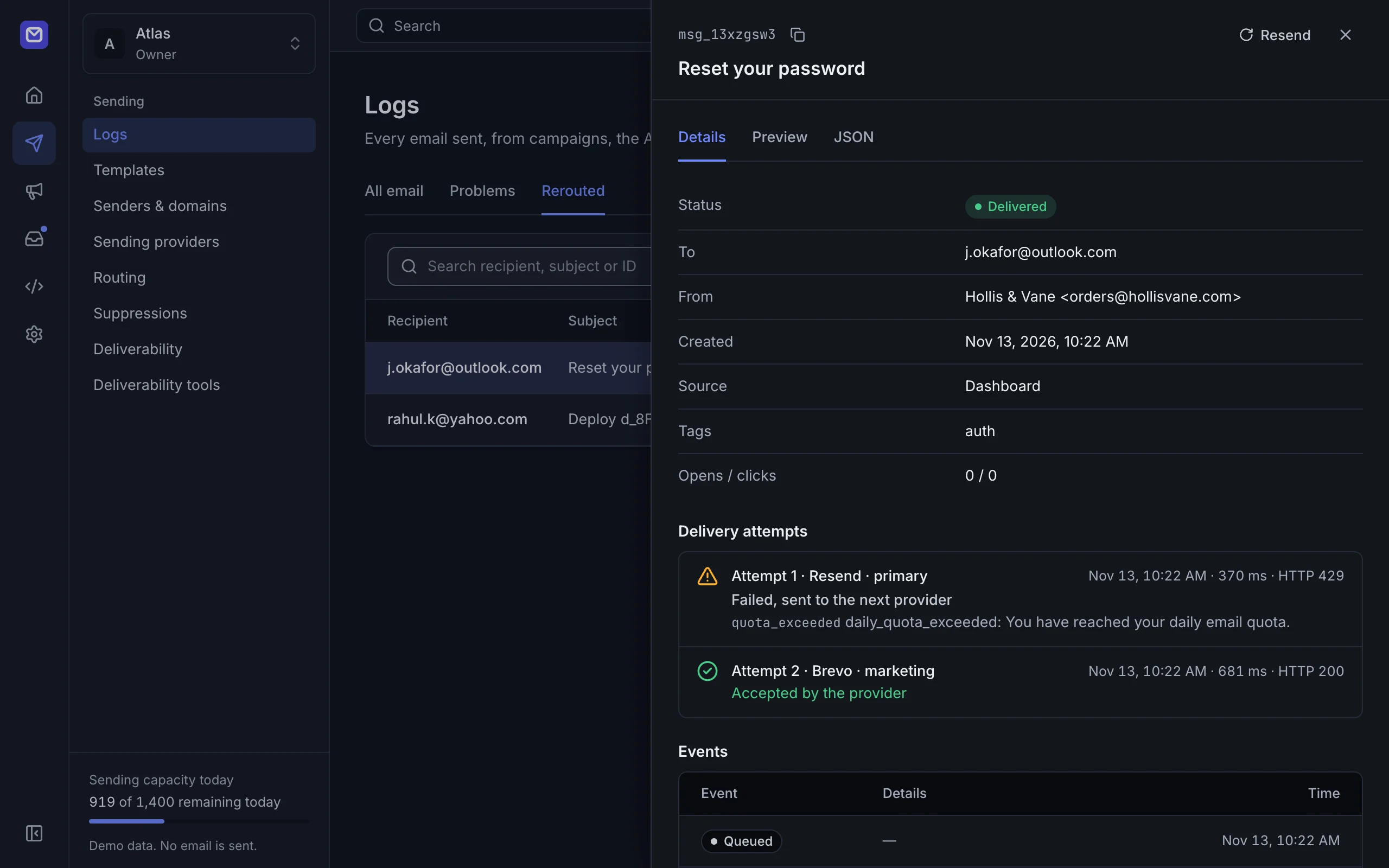
Each message shows which provider tried, what it answered and how long it took. Delivery, bounce, open and click events arrive on signed webhooks.
Every feature in the dashboard is also in the API, and AI agents get the same tools through the MCP server.
Let an agent send email, use templates and read the logs, with an API key whose scope and limits you set.
Priority, weight or round robin, daily caps per provider, and rules by message type, tag or recipient domain.
Keep your existing Resend, SendGrid or Postmark code. Change the base URL and the key.
The same call from Python, and an MCP client configuration for a self-hosted server.
from onesend import OneSend

client = OneSend()  # reads ONESEND_API_KEY and ONESEND_BASE_URL
client.emails.send(
    {"from": "hello@acme.dev", "to": "ada@example.org",
     "template": "welcome-email", "variables": {"first_name": "Ada"}},
    idempotency_key="signup-4821",
){
"mcpServers": {
"onesend": {
"command": "node",
"args": ["/path/to/onesend/apps/mcp/bin/onesend-mcp.mjs"],
"env": {
"ONESEND_API_KEY": "os_test_...",
"ONESEND_BASE_URL": "https://your-server.example"
}
}
}
}The TypeScript and Python SDKs retry rate limits, server errors and network errors twice by default, with backoff and the same Idempotency-Key, so a retry never sends twice. They do not fall back to sending through a provider directly, so plan for it as you would for any single provider: queue and retry. Running the server next to your app, on the same Cloudflare account or network, keeps that path short.
Encrypted at rest with AES-256-GCM, and never returned by the API or shown again in the dashboard. See Security for how keys are stored, used and rotated.
Yes. There are send endpoints that accept the Resend, SendGrid and Postmark request formats. Change the base URL and the key, and your existing code sends through all your providers. See the migration guides.
Yes, with the self-hosted edition. Point a domain at your installation (MX records, or Cloudflare Email Routing to the Worker) and its mail arrives in your mailboxes; inbound events reach your app through signed webhooks, and agents can read and reply through the API and MCP. Delivery, bounce, open and click events arrive on the same webhooks. See receiving mail.
Deploy your server, create an API key and send your first email.